
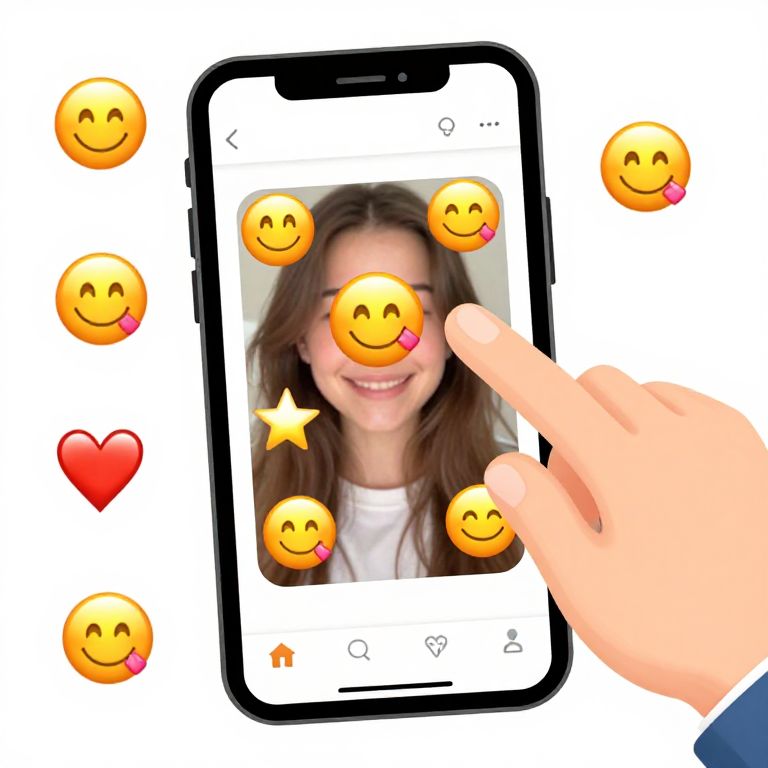
Photograph of a smartphone with a smiling girl's face, obscured by smiley faces and a heart, touched by a finger.
Prompt:
How to add emojis to a picture, a step-by-step guide illustration with a hand dragging emojis onto a photo on a smartphone screen, cartoon style, clean and friendly UI palette, cheerful and engaging, emphasis on emojis like smileys, hearts, and stars
Model:
"Use prompt" will open Create Image tool and will load the prompt
"Remix" will open Create Image tool with this photo set as Reference
Image description:
Photograph of a smartphone with a black border, showing a young girl with long brown hair and a white top smiling. The girl's face is partially obscured by yellow smiley faces with pink tongues, a yellow star, and a red heart. A hand with a light skin tone is touching the screen, pointing to the center of the image. The background is white, and the phone screen displays typical interface icons like ellipses and a camera icon. The style is digital, with bright, cartoonish emojis overlaying the photo.
Related keywords:
Image license:
Royalte-free