
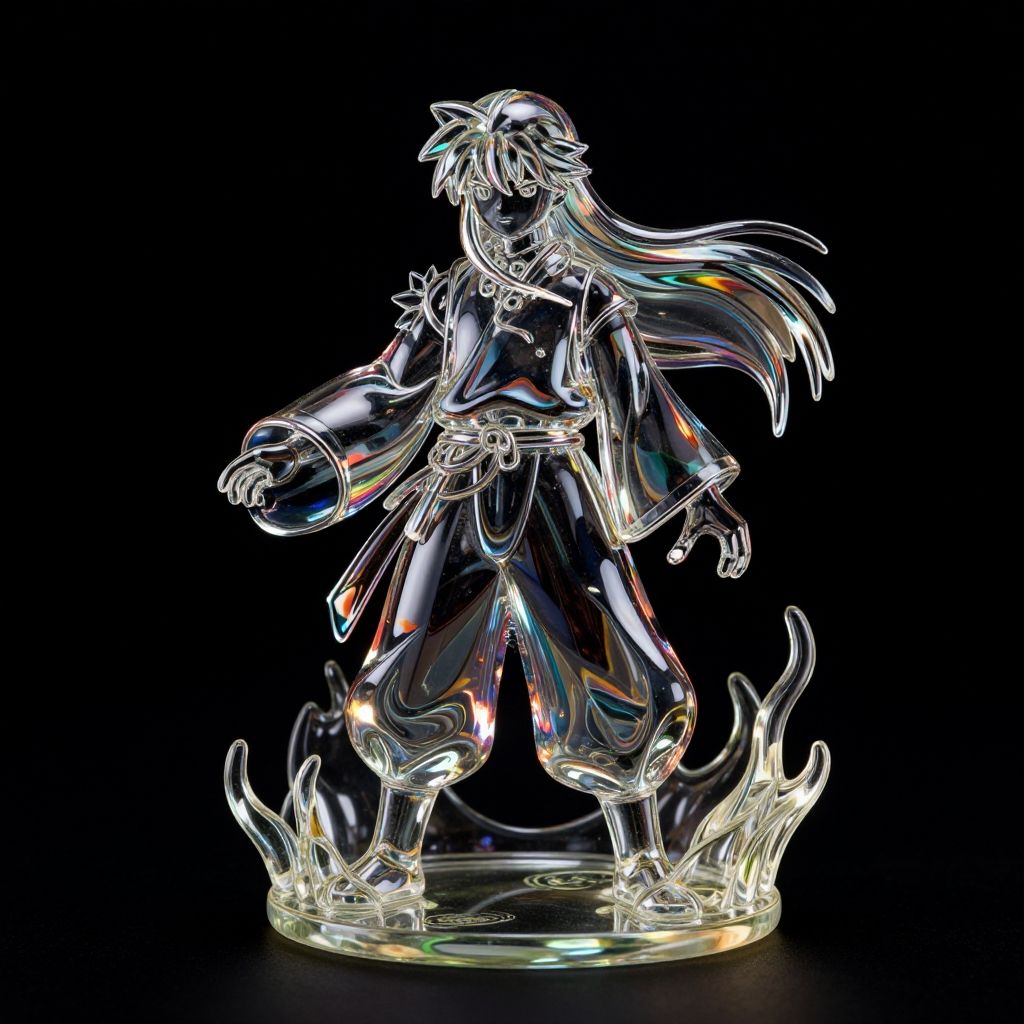
Shinigami Glass Sculpture on Fire
Prompt:
(((Shinigami (Japanese) ├в┬А┬У "Death god"))) glass sculpture, on fire=shiny metal, reflective, psychedelic, =((Vivid, HDR, Canon50, 8K, Hyper Realistic, Dramatic, Epic, Dynamic Contrast, Cinematic Lighting)) (((Zoomed Out, translucent, transparent, reflection, - Generate images with sharp edges and fine details.- Produce high-resolution images with no blurriness or distortions.- Create images with clear and well-defined subjects.- Ensure that the output images have crisp lines and distinct features.- Generate images with vibrant colors and accurate tones.- Avoid noise or artifacts in the generated images.- Focus on producing clear textures and patterns in the images.- Emphasize clarity and definition in all aspects of the generated images.- Prioritize the sharpness and clarity of the main subjects in the images.- Optimize the AI model to produce clear and visually appealing images., By art germ, 1. Use a dark backdrop: Start with a black or very dark background to minimize distractions and ensure the subject stands out.2. Proper lighting: Ensure even and adequate lighting on the subject to prevent shadows or uneven exposure that could affect the background.3. Adjust exposure settings: Set exposure levels properly to avoid overexposure, which can wash out the background, or underexposure, which can make it appear gray instead of black.4. Use a lens hood: Prevent unwanted light from entering the lens and causing flare or reflections on the background by using a lens hood.5. Distance from subject to background: Position the subject at an optimal distance from the background to minimize any spill of light onto the black surface.6. Avoid reflective surfaces: Choose materials that do not reflect light, such as matte or non-glossy surfaces, to maintain a clear black background.7. Post-processing adjustments: Fine-tune the image in post-processing software to enhance contrast and ensure the background remains uniformly black.8. Use a dedicated backdrop: Invest in a dedicated black backdrop specifically designed for photography to ensure consistent results.9. Clean the background: Keep the background clean and free of dust, wrinkles, or imperfections that could distract from the subject.10. Test and adjust: Experiment with different settings and techniques to achieve the desired result, and don't hesitate to make adjustments as needed.
Model:
"Use prompt" will open Create Image tool and will load the prompt
"Remix" will open Create Image tool with this photo set as Reference
Related keywords:
Image license:
Royalte-free