
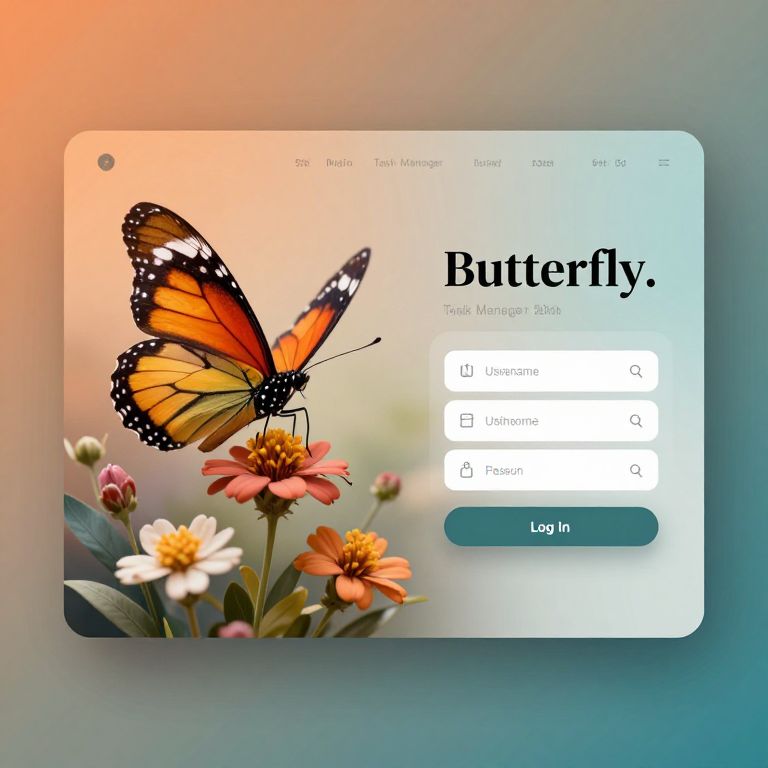
Photograph of a digital screen displaying a "Butterfly" app interface with an orange monarch butterfly on colorful flowers, search options, and a green
Prompt:
The image showcases a beautifully designed login page for a task manager mobile application named \"Butterfly.\" The interface is set against a gradient background transitioning from a warm orange to a cool teal, creating a harmonious and calming atmosphere. Dominating the left side of the screen is a large, intricately detailed butterfly with wings that exhibit a mix of dark and vibrant colors, including shades of orange, yellow, and black. The butterfly is positioned in a way that it appears to be hovering above a variety of flowers and leaves, adding a touch of nature to the design. The right side of the screen features the app's login interface, with fields for entering a username and password, accompanied by a \"Log In\" button. The text and interface elements are presented in a clean, modern font, with a color palette that complements the overall aesthetic. The layout is well-balanced, with the butterfly and floral elements providing a visual focal point, while the login interface remains functional and unobtrusive. The design elements are thoughtfully arranged, creating a sense of depth and dimension, with the butterfly and flowers appearing to be in the foreground, while the login interface is slightly recessed, giving the impression of a three-dimensional space.
Model:
"Use prompt" will open Create Image tool and will load the prompt
"Remix" will open Create Image tool with this photo set as Reference
Image description:
A digital screenshot of a search interface with a gradient blue-to-orange background. The interface features a large, colorful orange and black monarch butterfly with white spots, perched on pink, orange, and white flowers. The text "Butterfly" is prominently displayed in black, with a search bar below. The search bar includes options for "Show results," "Search again," and "Back." The interface has rounded corners and a light blue header. The screenshot has a soft, glowing effect, giving it a modern, polished look. The overall style is clean and user-friendly, with a focus on natural beauty and functionality.
Related keywords:
Image license:
Royalte-free