
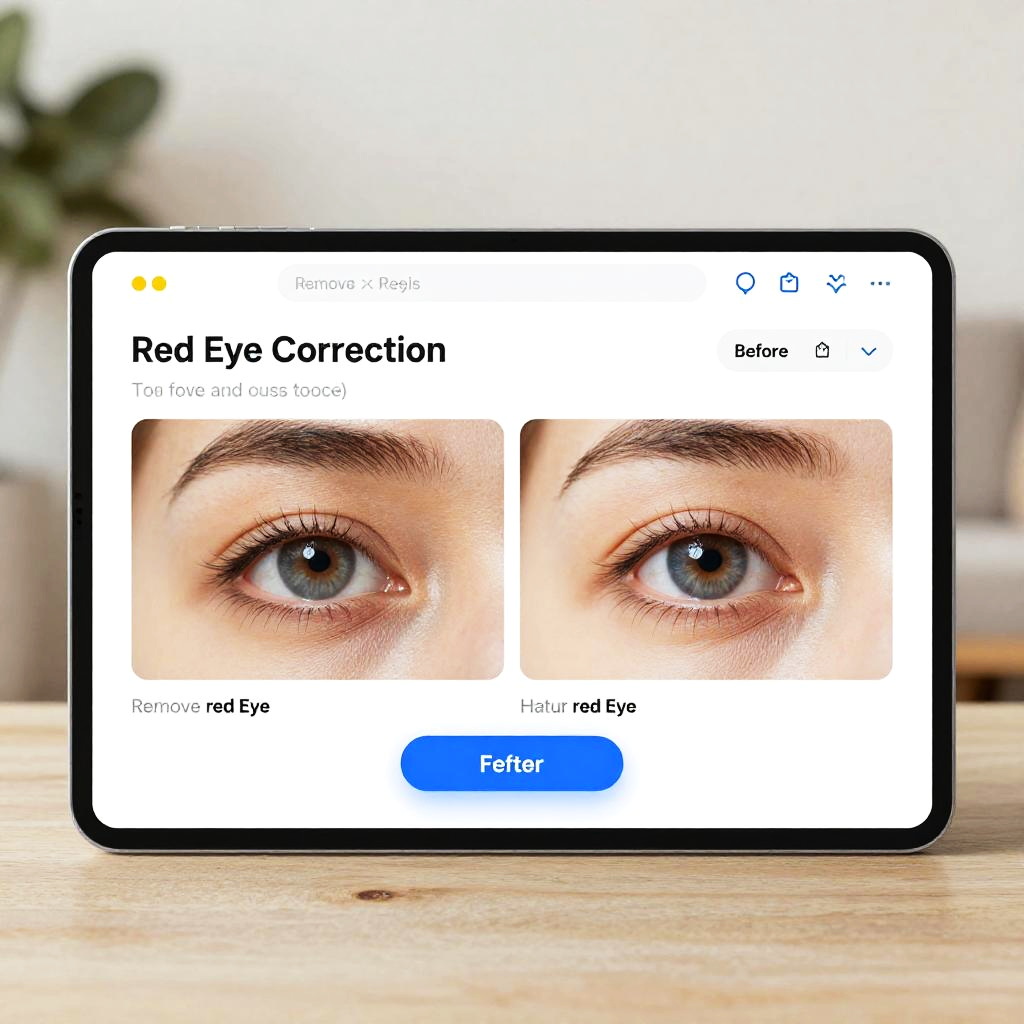
Photograph of a smartphone screen displaying a facial recognition login page with close-up eyes, "Red Eye Correction" option, and "Filter" button.
Prompt:
Remove red eye from photo online free: a user-friendly digital interface showing an automatic red-eye correction tool, before and after photo comparison, bright and clear eyes, sleek modern design, soft natural lighting, clean website layout.
Model:
"Use prompt" will open Create Image tool and will load the prompt
"Remix" will open Create Image tool with this photo set as Reference
Image description:
Photograph of a smartphone displaying the Red Eye Correction feature in a photo editing app. The app interface shows a close-up of two human eyes with dark brown irises, focusing on correcting the red eye effect. Above the eyes, the app's header reads "Red Eye Correction" with "Remove red eyes" and "Highlight red eyes" options below. A blue "Editor" button is prominently featured at the bottom. The smartphone has a black border, and the background is blurred with a hint of greenery and beige furniture. The phone rests on a light wooden surface.
Related keywords:
Image license:
Royalte-free