
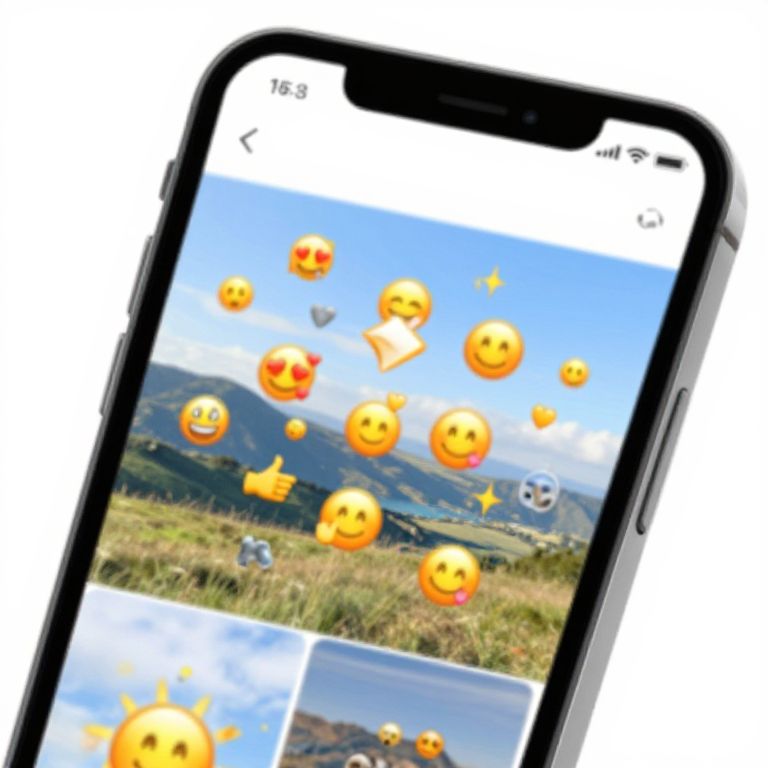
Photograph of a smartphone displaying a screen with various smiling emoji icons overlaying a scenic mountain and grass field background.
Prompt:
How to add emojis to pictures on iPhone, close-up of an iPhone photo editing app with diverse emojis floating onto a scenic photo, bright and cheerful colors, intuitive UI design, creative and engaging scene
Model:
"Use prompt" will open Create Image tool and will load the prompt
"Remix" will open Create Image tool with this photo set as Reference
Image description:
Photograph of a black smartphone displaying a screen filled with various yellow smiley face emojis, including thumbs-up and heart symbols, against a background of a clear blue sky and green grassy field. The top of the screen shows a status bar with icons and battery percentage. The phone is slightly angled, and its edges are visible against a white background. The emojis are scattered across multiple sections of the screen, with some overlapping the landscape photo beneath. The image has a bright, colorful, and playful aesthetic.
Related keywords:
Image license:
Royalte-free