
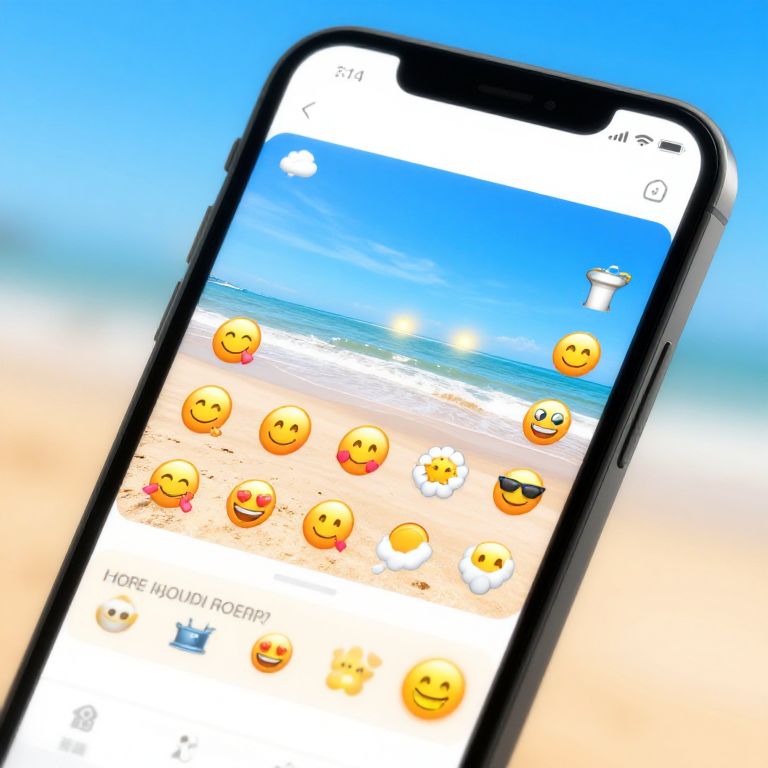
Photograph of a black smartphone with a bright beach-themed wallpaper featuring smiley faces, against a blurred beach and sky background.
Prompt:
How do you add emojis to pictures on iPhone: vibrant close-up of an iPhone screen showing the photo editing interface with colorful emojis being added to a sunny beach photo, sleek modern design, bright vivid colors, user-friendly UI
Model:
"Use prompt" will open Create Image tool and will load the prompt
"Remix" will open Create Image tool with this photo set as Reference
Image description:
Photograph of a black smartphone angled to the right, displaying a beach-themed wallpaper with a clear blue sky, turquoise ocean, and sandy shore. The screen shows multiple yellow smiley face emojis with various expressions, including sunglasses and a tongue-out emoji. The top status bar displays time (11:47) and signal strength. The background is slightly blurred, showing a gradient from blue to beige. The phone has a sleek, black design with a thin bezel.
Related keywords:
Image license:
Royalte-free