
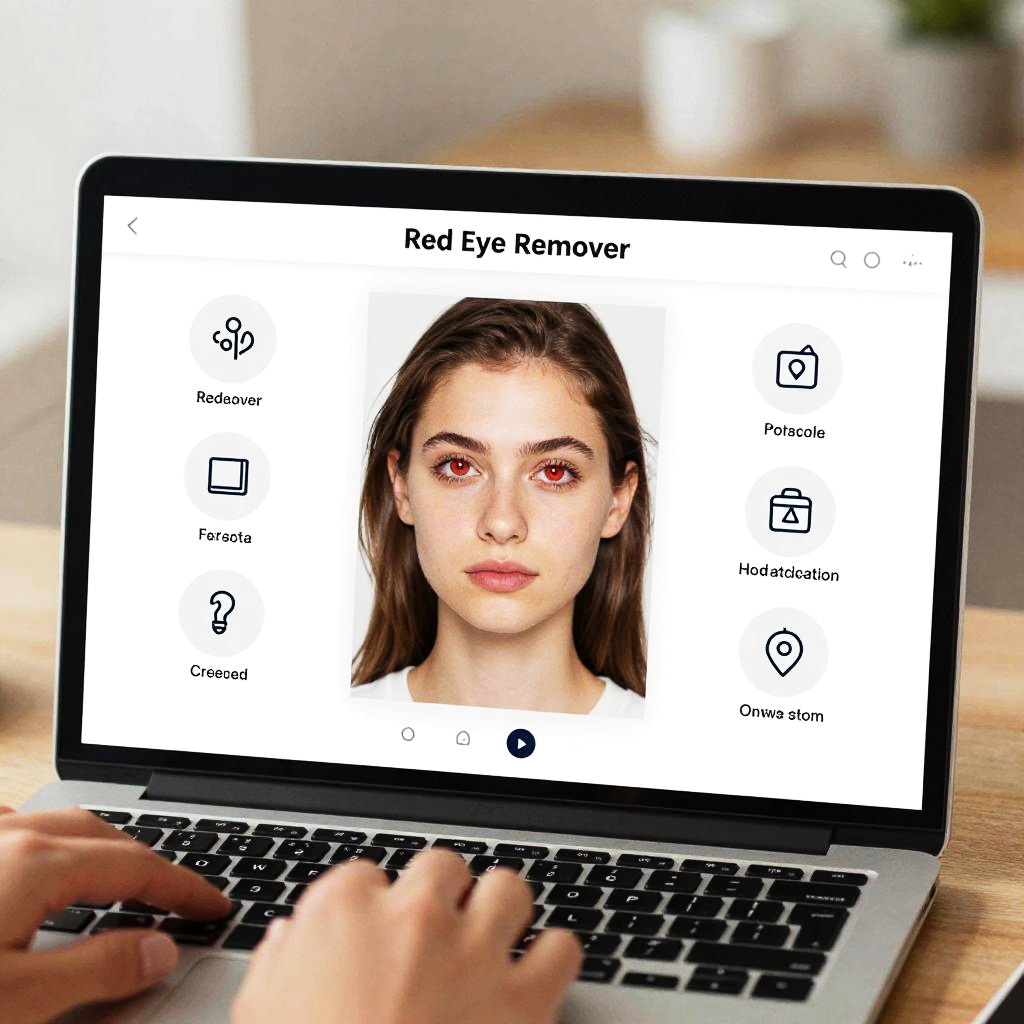
Photograph of a laptop screen displaying a red-eye remover interface with a young woman's face, hands typing, blurred background.
Prompt:
Red eye remover online interface displayed on a sleek modern computer screen, user editing a portrait photo with realistic red eye correction, bright and clean UI with detailed tool icons, soft natural lighting in a cozy workspace
Model:
"Use prompt" will open Create Image tool and will load the prompt
"Remix" will open Create Image tool with this photo set as Reference
Image description:
Photograph of a laptop with a white screen displaying a "Red Eye Remover" tool. The tool features a centered image of a young woman with dark brown hair, pinkish-red eyes, and pale skin, looking directly at the camera. The interface includes icons for "Forensic," "Blur," "Spot," "Color," "Pencil," "Pencil2," "Erase," and "Apply." A person's hands, with light skin, are visible in the foreground, typing on the laptop's black keyboard. The background is blurred, featuring a light wooden table and a white wall. The overall lighting is bright, highlighting the laptop screen and hands.
Related keywords:
Image license:
Royalte-free