
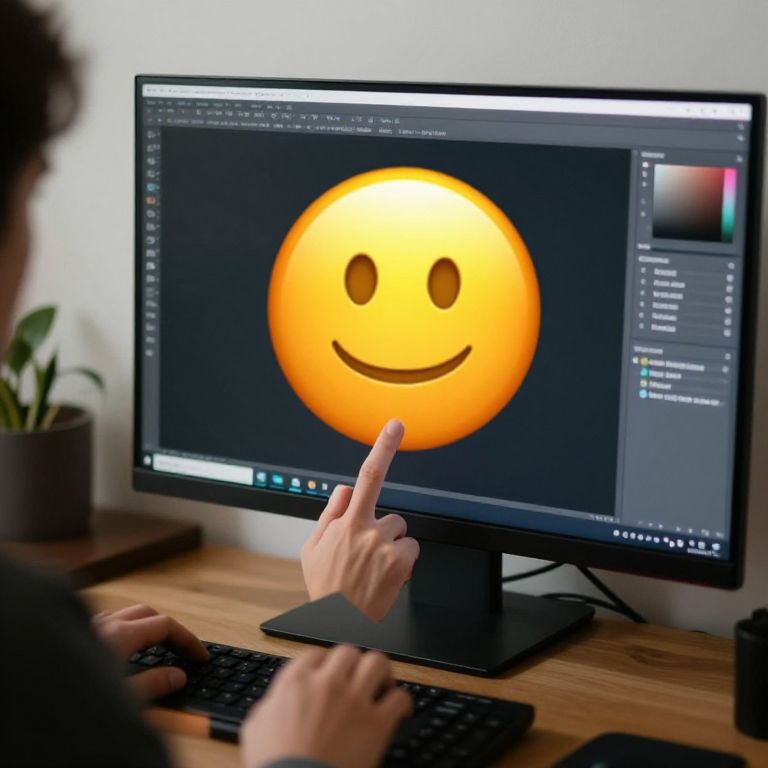
Photograph of a person with curly hair clicking on a large, yellow smiley face emoji on a computer screen in a modern workspace.
Prompt:
How to add an emoji to a picture scene, digital artist at computer adding large expressive emoji overlays on a photo, casual home environment, soft lighting, detailed UI elements visible on screen
Model:
"Use prompt" will open Create Image tool and will load the prompt
"Remix" will open Create Image tool with this photo set as Reference
Image description:
Photograph of a person with light skin, visible from the side, using a black computer monitor on a wooden desk. The person is pointing at a large, yellow, smiling emoji on the screen with their right index finger. The monitor displays a graphic design software interface with dark and light elements. A black keyboard is in front of the monitor, and a small green potted plant is in the blurred background. The person's hair is curly and dark, and they are wearing a dark shirt. The overall setting is a modern, minimalist workspace.
Related keywords:
Image license:
Royalte-free