
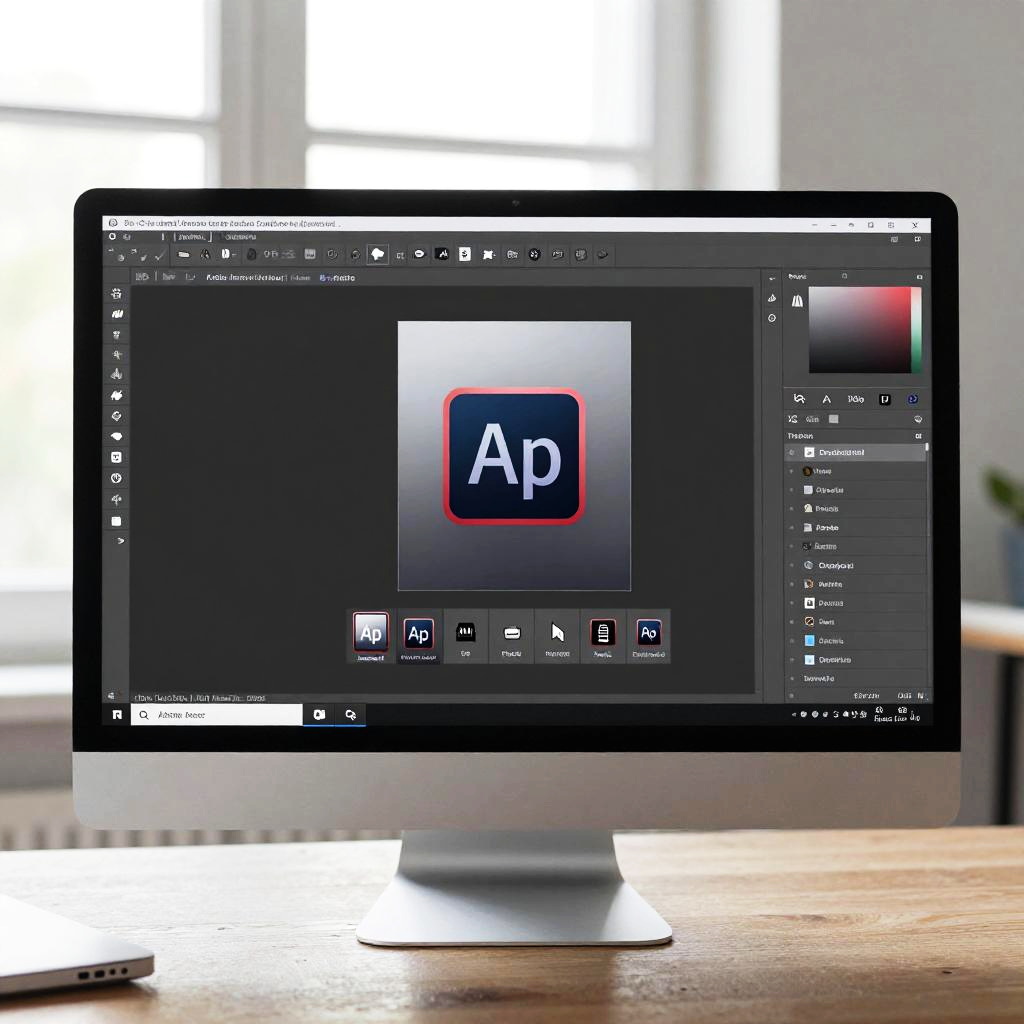
Photograph of a modern desktop computer displaying Adobe Photoshop interface with an "Aperture" icon on a dark background. Bright window light in the blurry background
Prompt:
Step-by-step Adobe remove watermark tutorial shown on a sleek monitor, highlighting the advanced editing tools, minimalist design environment, natural light streaming through a window, clean user interface, educational digital art
Model:
"Use prompt" will open Create Image tool and will load the prompt
"Remix" will open Create Image tool with this photo set as Reference
Image description:
Photograph of a sleek, modern desktop computer monitor displaying a graphic design software interface. The screen shows a black background with a central white "Ap" logo on a dark blue square, surrounded by design tools and layers on the right. The monitor is white with a slim profile and stands on a wooden desk. The background is softly blurred, featuring a bright window with white light filtering through and a hint of green plant in the corner. The interface is clean and professional, with various icons and options along the edges.
Related keywords:
Image license:
Royalte-free